The search for a powerful platform always brings new options to the table. Whether you want more features, flexible pricing, or a different user experience, there are choices that stand out for unique reasons. Some offer surprising tools while others focus on making things simple and fast. Looking beyond the usual picks might reveal solutions that fit your needs even better. The right fit could be waiting among alternatives you have yet to discover.
Table of Contents
Daysift
At a Glance
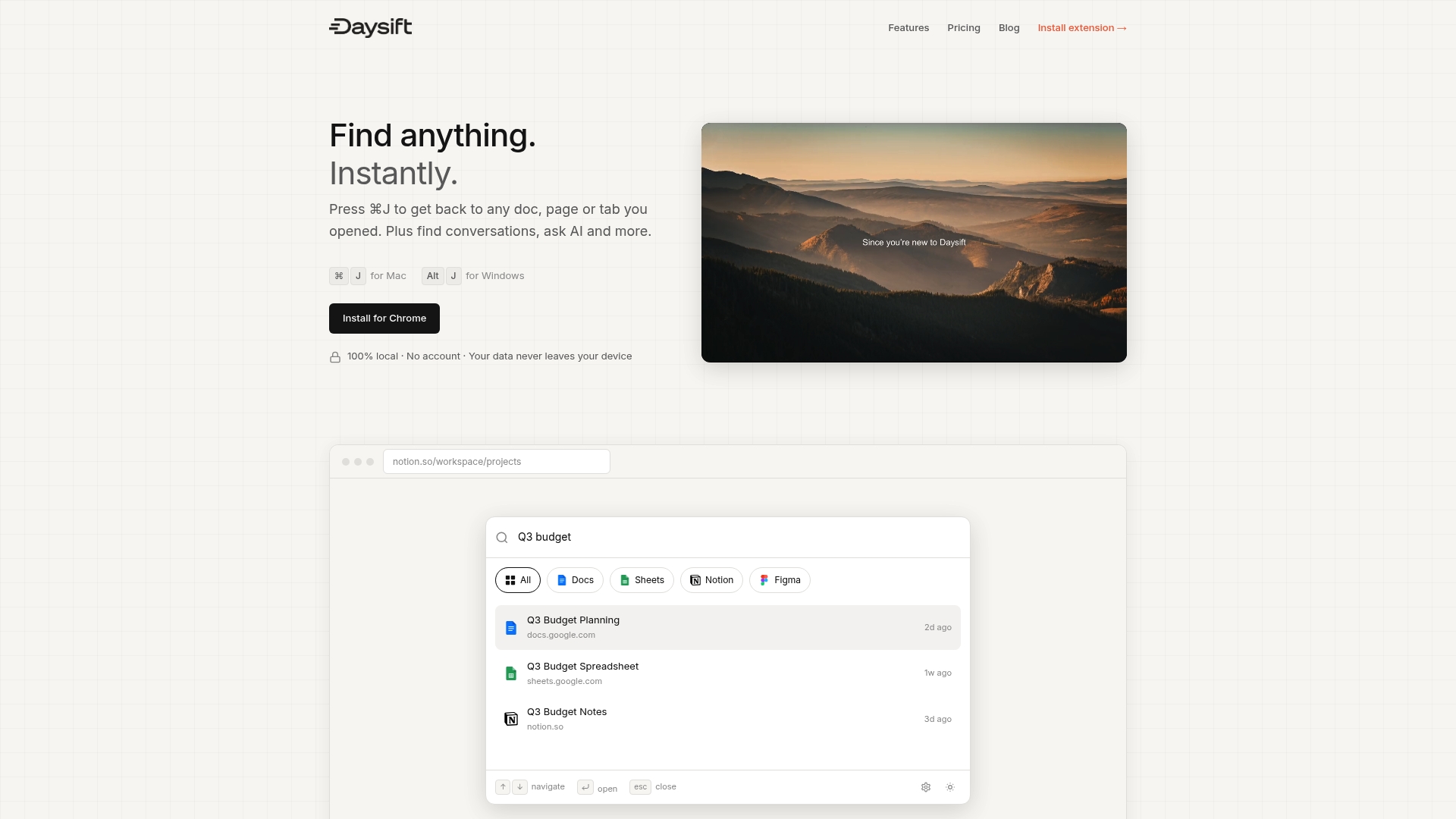
Daysift is the clear winner for professionals who have too many tabs and no reliable way to find work content. It combines rapid search, AI powered answers, and strict privacy so you find the exact page or doc without hunting for minutes.
Core Features
Daysift offers Instant search across your browsing history and linked apps so you locate documents and pages in seconds. It provides AI powered answers that summarize content and handle follow up questions. Use Floating notes to jot ideas that stick to URLs. Everything runs via a Chrome extension and stores data locally with Local storage so nothing leaves your device.
Pros
-
Privacy focused with local storage: Your indexed history and notes remain on your device so your browsing does not leave your machine.
-
Supports major productivity tools: It integrates with Google Docs, Sheets, Notion, Figma, and other work apps so your search hits the places you actually use.
-
Quick shortcuts and commands: One keystroke opens the search palette and lets you navigate with arrow keys and Enter for instant access.
-
Free tier available: The free plan gives essential features so you can test search and notes without a financial commitment.
-
Chrome extension for quick access: The extension activates instantly and works offline so you stay productive even without a network.
Who It’s For
Daysift is built for professionals and small teams who juggle many documents and browser tabs and need a fast way to find the right content. It fits researchers, marketers, developers, and consultants who value privacy and do not want another cloud system to manage.
Unique Value Proposition
Daysift is best in class because it is a search layer not another tab manager. It reads your browsing as you work and makes that history instantly searchable without copying or syncing to the cloud. That design choice gives you reliable recall, tight privacy, and zero extra maintenance. Smart buyers choose Daysift when they want instant access, minimal setup, and predictable performance.
Real World Use Case
A marketing team uses Daysift to find campaign briefs in Google Docs, check project notes in Notion, and pull design files from Figma during meetings. They run quick AI summaries to get the gist of long documents and use floating notes to capture action items linked to each URL.
Pricing
Daysift has a Free plan at $0 for basic history and notes. Paid tiers upgrade functionality with a Pro plan at $3.99 per month and an Unlimited plan at $7.99 per month.
Website: https://daysift.com
Syftable
At a Glance
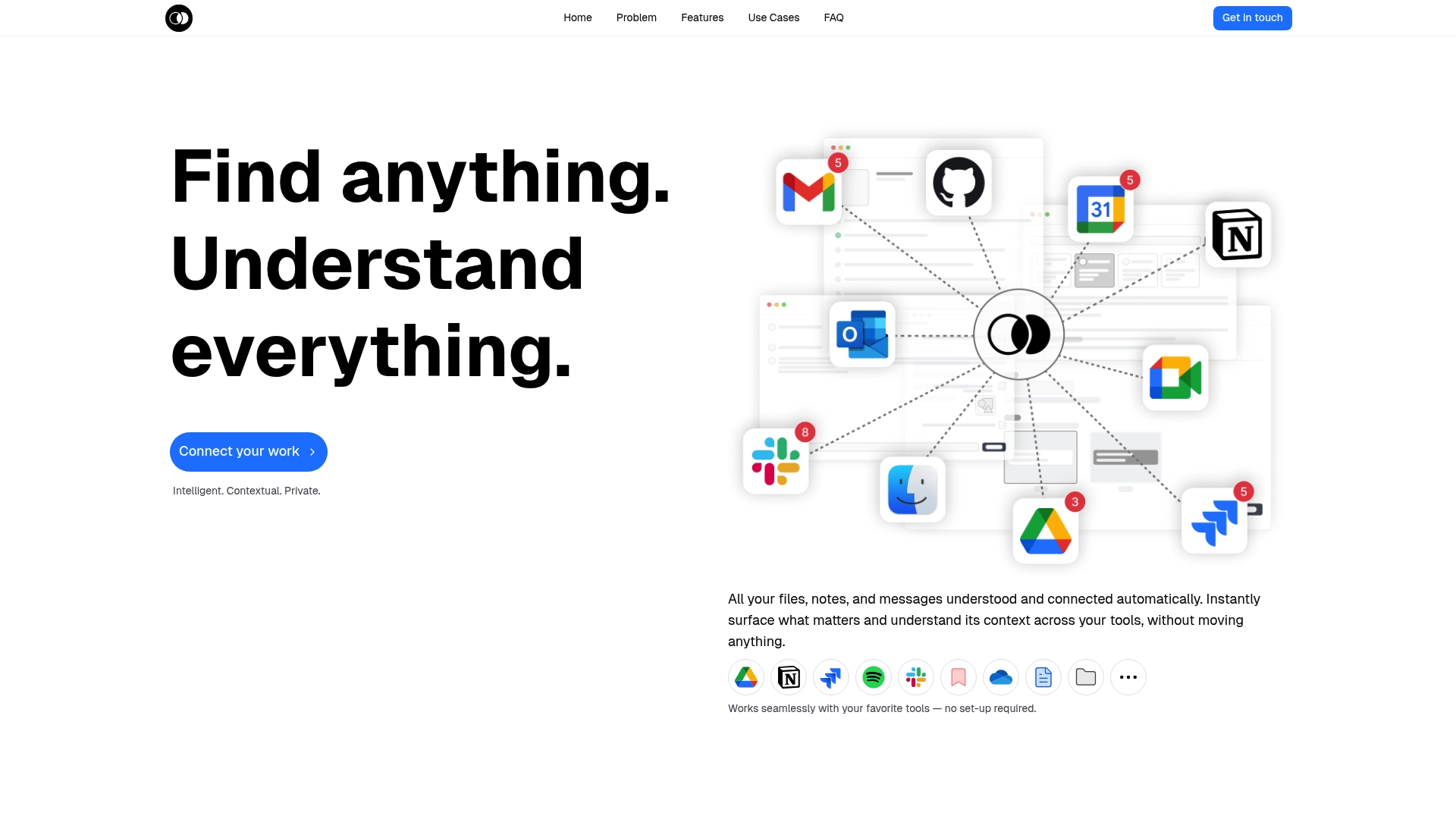
Syftable is a knowledge management system that automatically connects your notes, files, messages, and media across tools so you do not move or reorganize data manually. It focuses on private, searchable context to surface what matters while you work.
Syftable favors local privacy and integration over built in generative content features. If you want a searchable workspace that respects local data, this is a strong option.
Core Features
Syftable automatically indexes and links content from multiple sources to provide an intelligent view of your work. The platform supports saving PDFs, videos, links, emails, messages, and files and presents related context as you search.
Search uses natural language understanding to find relevant items without strict keyword matches. Integrations include Google Drive, Notion, and Slack so your existing workflows remain intact and require little setup.
Pros
-
Automatic organization saves time. Syftable connects scattered information across tools so you spend less time hunting and more time using your material.
-
Seamless integrations with common tools. Google Drive, Notion, and Slack work without extra configuration which lowers the barrier for adoption across teams.
-
Broad content support. The ability to save and index PDFs, videos, links, messages, and files means diverse research and client assets are all searchable from one place.
-
Local privacy first. The product emphasizes keeping data encrypted and on the user machine which reduces dependence on cloud storage.
-
Context surfaced when you work. Simple commands in your preferred tools provide relevant notes and insights so you get context without switching apps.
Cons
-
No generative AI for content creation. Syftable does not use large language models to generate content or insights which limits automation capabilities for summarization or synthesis.
-
Data storage and security details are sparse. The website does not provide explicit technical documentation about storage locations or encryption practices which may concern security conscious teams.
-
Pricing is not listed. Lack of public pricing information makes budget planning and comparison difficult for procurement or individual users.
Who It’s For
Syftable fits individuals and teams that want a private, integrated workspace to connect and retrieve scattered digital information without changing existing workflows. Knowledge workers who hate reorganizing folders will appreciate the low setup overhead.
Consultants, researchers, and teams that use Google Drive, Notion, and Slack heavily will find the integration model practical and fast to adopt.
Unique Value Proposition
Syftable stands out by offering local, private search across multiple content types while keeping your workflows intact. It trades cloud centered AI capabilities for on device indexing and contextual retrieval, making it appealing to users prioritizing privacy.
Real World Use Case
A consulting team centralizes client proposals, notes, and correspondence from email, Google Drive, and Slack into Syftable. Team members search by client name or topic and pull up linked documents and conversation excerpts in seconds for faster decision making and cleaner presentations.
Pricing
Pricing is not specified on the website which means you will need to contact Syftable for plan and enterprise details when evaluating cost against other options.
Website: https://syftable.com
Notion
At a Glance
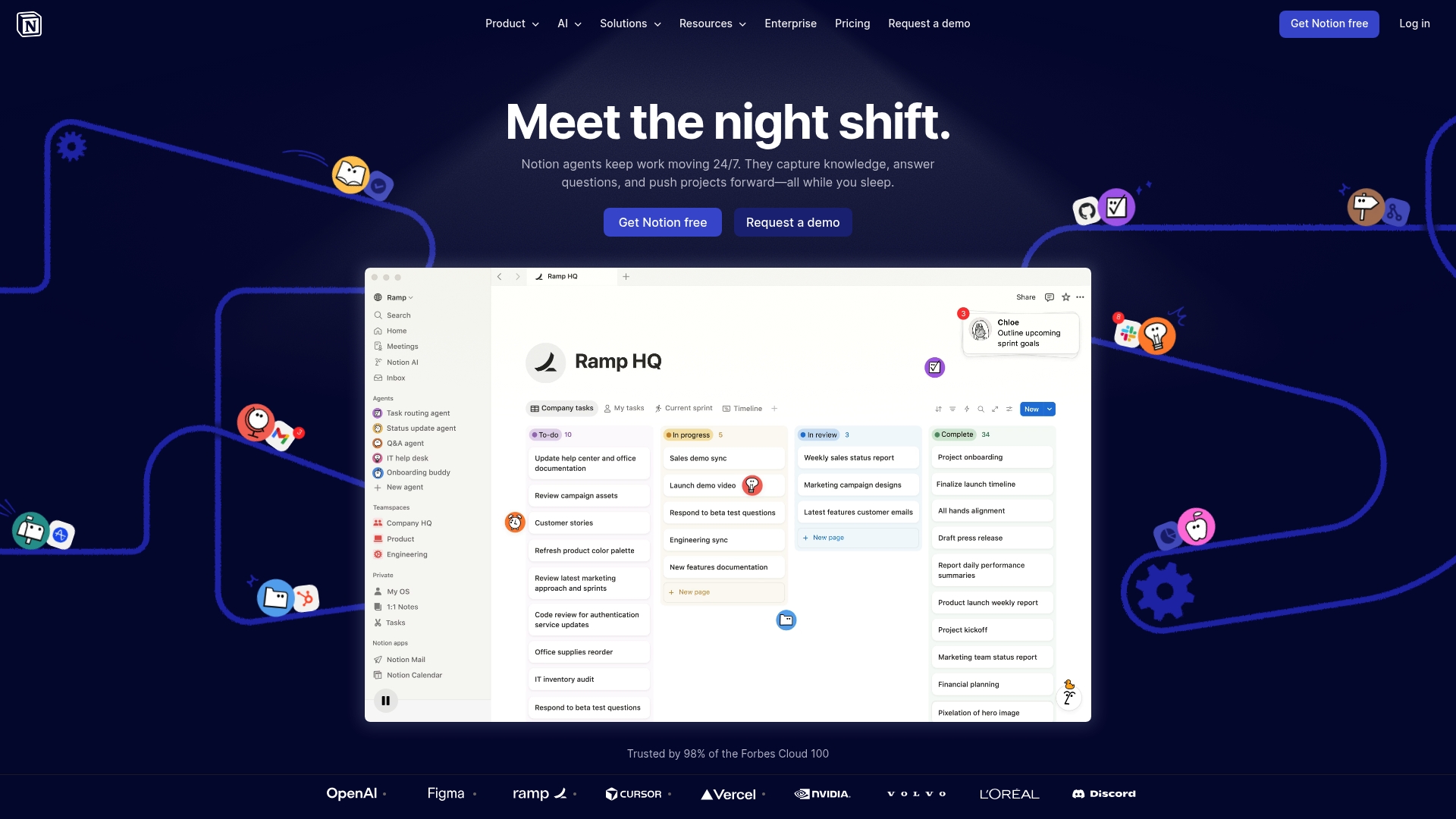
Notion is a versatile AI workspace and productivity platform that combines documents, databases, and automation into a single interface for teams and individuals. It balances powerful features with an adaptable layout so you can capture knowledge and reduce repetitive work.
Notion scales from solo projects to enterprise deployments with security controls and tailored solutions for different industries.
Core Features
Notion provides AI tools for work like meeting notes, automation, and enterprise search plus centralized knowledge base capabilities. It includes project management and collaboration tools, flexible databases, document management, and integrations with Slack, Google Drive, Jira, and GitHub.
The platform supports customizable workspaces with teamspaces, permissions, and security controls that fit both small teams and large organizations.
Pros
- All-in-one workspace combines knowledge management, collaboration, and automation so teams stop switching apps and keep context in one place.
- Strong AI integrations automate meeting notes, summaries, and routine content generation which saves time on busywork.
- Flexible deployment works for a lone freelancer or a multidepartment company because templates and permissions adapt to different needs.
- Robust security and permissions support enterprise use by giving admins control over access and data handling.
- Extensive template library helps teams get started quickly with prebuilt workflows for projects, docs, and knowledge bases.
Cons
- The platform has a complex feature set that creates a learning curve for new users who want immediate productivity.
- Premium and enterprise plans can become costly for larger teams when advanced features and admin controls are required.
- Offline capabilities on mobile and desktop are limited which reduces reliability when you lose internet access.
Who It’s For
Notion fits teams and individuals who want a single, adaptable workspace for organization, collaboration, and AI automation. It particularly helps product teams, marketing groups, and knowledge workers who juggle documents, project plans, and recurring reports.
Users who prefer rigid, minimal tools may find Notion too feature rich.
Unique Value Proposition
Notion’s strength is a unified space that melds document management, relational databases, and AI features into one customizable environment. That combination makes it easier to centralize knowledge, automate repetitive tasks, and let teams search and act on what they already created.
Real World Use Case
A marketing team uses Notion to coordinate campaigns, store creative assets, and track deadlines in shared databases. They generate AI summaries of research, automate weekly reporting, and keep campaign checklists linked to assets and briefs for quick access.
Pricing
Free tier available with basic features. Paid plans start at $10 per user per month for Plus and $20 per user per month for Business. Enterprise pricing is custom and includes advanced security and admin features.
Website: https://notion.so
Coda
At a Glance
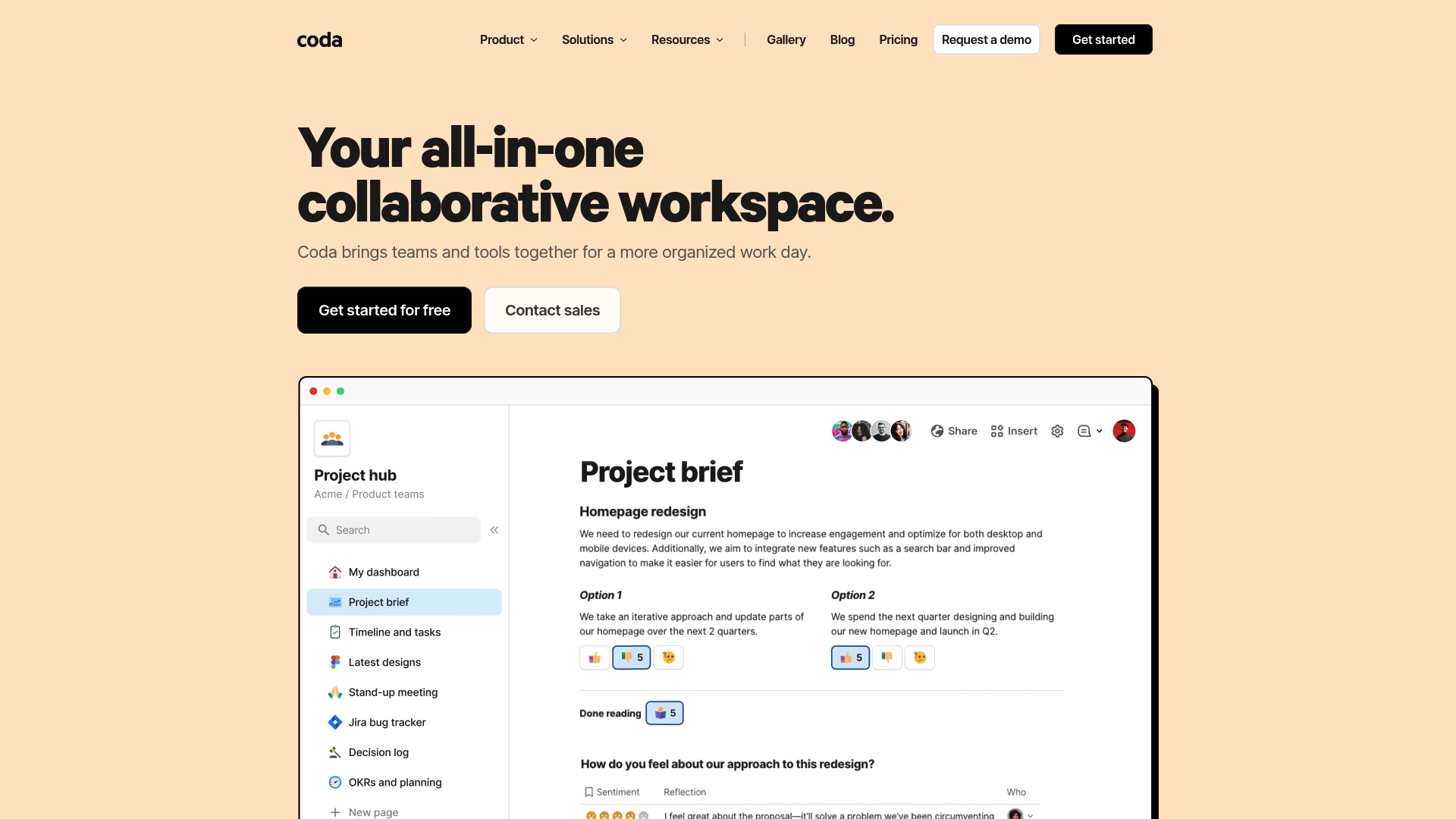
Coda is an all in one collaborative workspace that replaces multiple tools with customizable docs, templates, and integrations. It combines document editing, data tables, automation, and AI powered features into a single environment aimed at team productivity.
Core Features
Coda centers on collaborative documents with unlimited pages and objects, connected tables and charts, and powerful formulas and automation. It supports 600+ integrations and includes AI powered features for content creation, insights, and task automation.
Pros
-
Highly customizable: Coda adapts to varied team needs through templates, flexible document structures, and configurable tables that map to workflows.
-
Extensive integrations and templates: The platform links to many external tools and ships with templates that speed setup for product, marketing, sales, and HR teams.
-
Built in AI features: AI powered tools help generate content, extract insights, and automate routine tasks directly inside documents.
-
Flexible pricing options: There is a free tier with robust features and paid tiers that scale for growing teams.
-
Strong collaboration and sharing: Real time editing, shared views, and consolidated docs make cross functional work easier.
Cons
-
Can have a learning curve due to its extensive features: New users may spend time learning formulas, automations, and advanced document design.
-
Pricing for larger teams can become expensive as needs grow: Costs rise when many Doc Makers require paid seats or advanced capabilities.
-
Some advanced features require upgrading to paid plans: Certain automations and advanced integrations sit behind paid tiers.
Who It’s For
Coda fits teams and organizations that want a customizable integrated workspace combining documents, data, and automation. It serves product, marketing, sales, engineering, design, and HR roles that need a single place to build workflows and dashboards.
Unique Value Proposition
Coda replaces multiple point tools by letting teams build tailored documents that act like apps. That combination of docs plus data plus automation reduces context switching and keeps project knowledge in a single, searchable space.
Real World Use Case
A product team builds a shared knowledge base, tracks product decisions with connected tables, and automates updates across tools. The team uses templates and automations to reduce manual status updates and keep stakeholders informed.
Pricing
A free plan is available with essential features. Paid plans start at $10 per month per Doc Maker for Pro and $30 per month per Doc Maker for Team, with custom pricing for Enterprise.
Website: https://coda.io
Mem
At a Glance
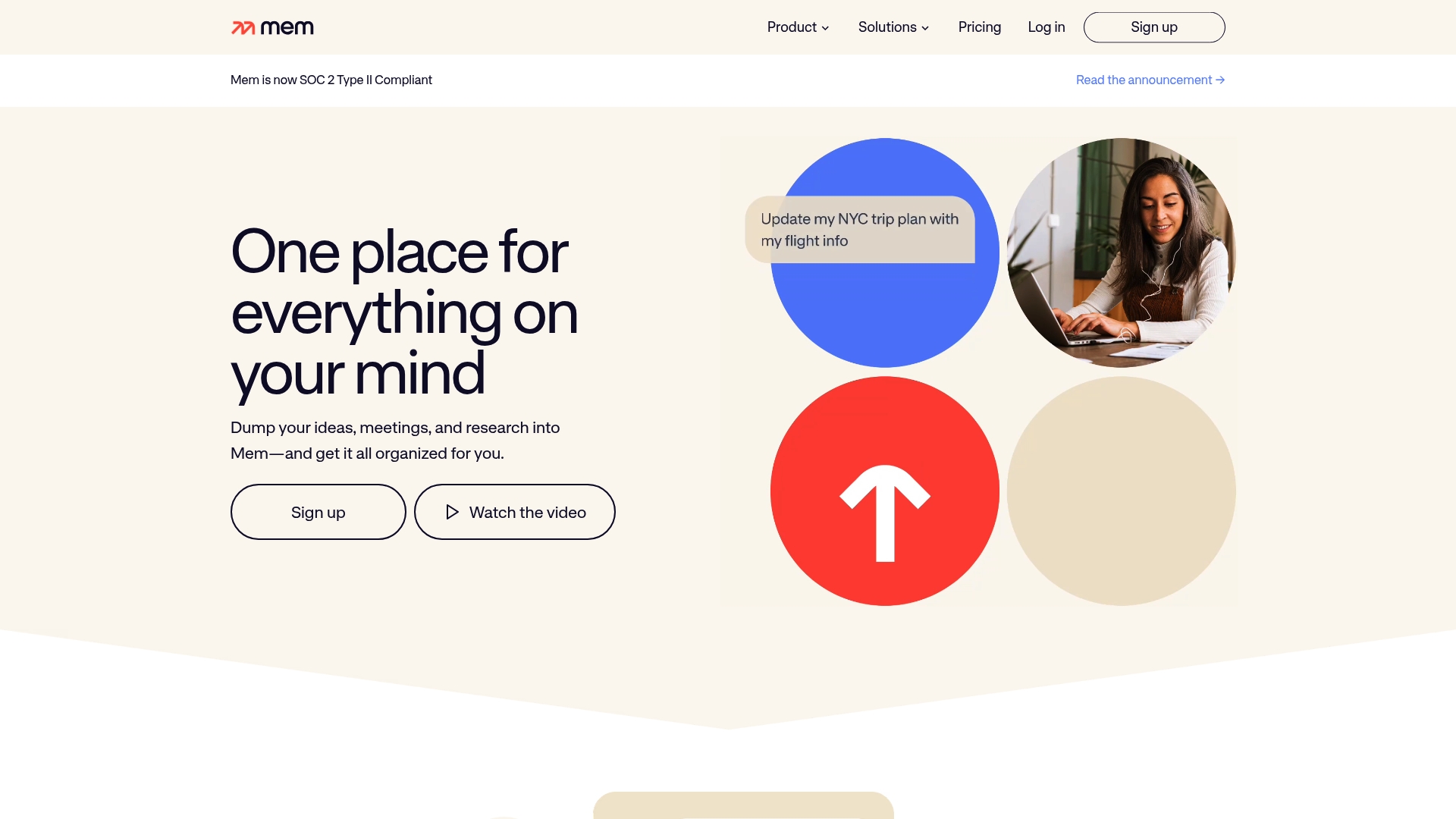
Mem is a note taking and knowledge management tool that organizes your ideas and research automatically. Its automatic organization and natural language search make finding past notes feel immediate and intuitive.
Core Features
Mem captures ideas via voice, meetings, web clipping, and quick messages while it organizes content based on your thinking patterns. It offers contextual suggestions, automatic linking of related notes, and the ability to chat with your notes for insights and draft content.
Pros
-
Automatic organization improves flow: Mem groups related notes without manual tagging so you spend less time filing and more time creating.
-
Multiple capture methods: Voice capture and a Chrome extension let you save ideas from meetings and the web without breaking your workflow.
-
Natural language search is powerful: You can find information without exact keywords which speeds retrieval when memory is fuzzy.
-
Cross platform availability: Web, desktop, and mobile support keeps your notes accessible across devices and work contexts.
-
Integrated context and suggestions: The app surfaces timelines, collections, and related materials which helps you reconnect with prior work quickly.
Cons
-
Limited pricing transparency: The content provided does not include specific price points so budgeting requires visiting the website.
-
Learning curve for advanced features: Users who want to leverage AI suggestions and chat with notes will need time to learn workflows and commands.
-
Sparse comparative detail in this brief: The supplied content lacks in depth comparison to other tools which makes side by side evaluation harder here.
Who It’s For
Mem fits professionals who juggle research, meeting notes, and scattered ideas and who prefer a search first approach. If you are tired of tab overload and want an app that reads your patterns and surfaces context Mem aligns with that workflow.
Unique Value Proposition
Mem stands out by automatically organizing content based on how you think and by letting you query notes in natural language. The combination of passive capture and active AI queries reduces friction between capture and retrieval.
Real World Use Case
A knowledge worker records meeting audio, clips research from the web, and jots quick notes in Mem. Later the worker asks Mem to summarize a project thread and finds related timelines and documents without hunting through tabs or folders.
Pricing
Pricing details are available on the website pricing page and are not specified in the provided content. Visit the pricing page for current plans and limits.
Website: https://mem.ai
Slite
At a Glance
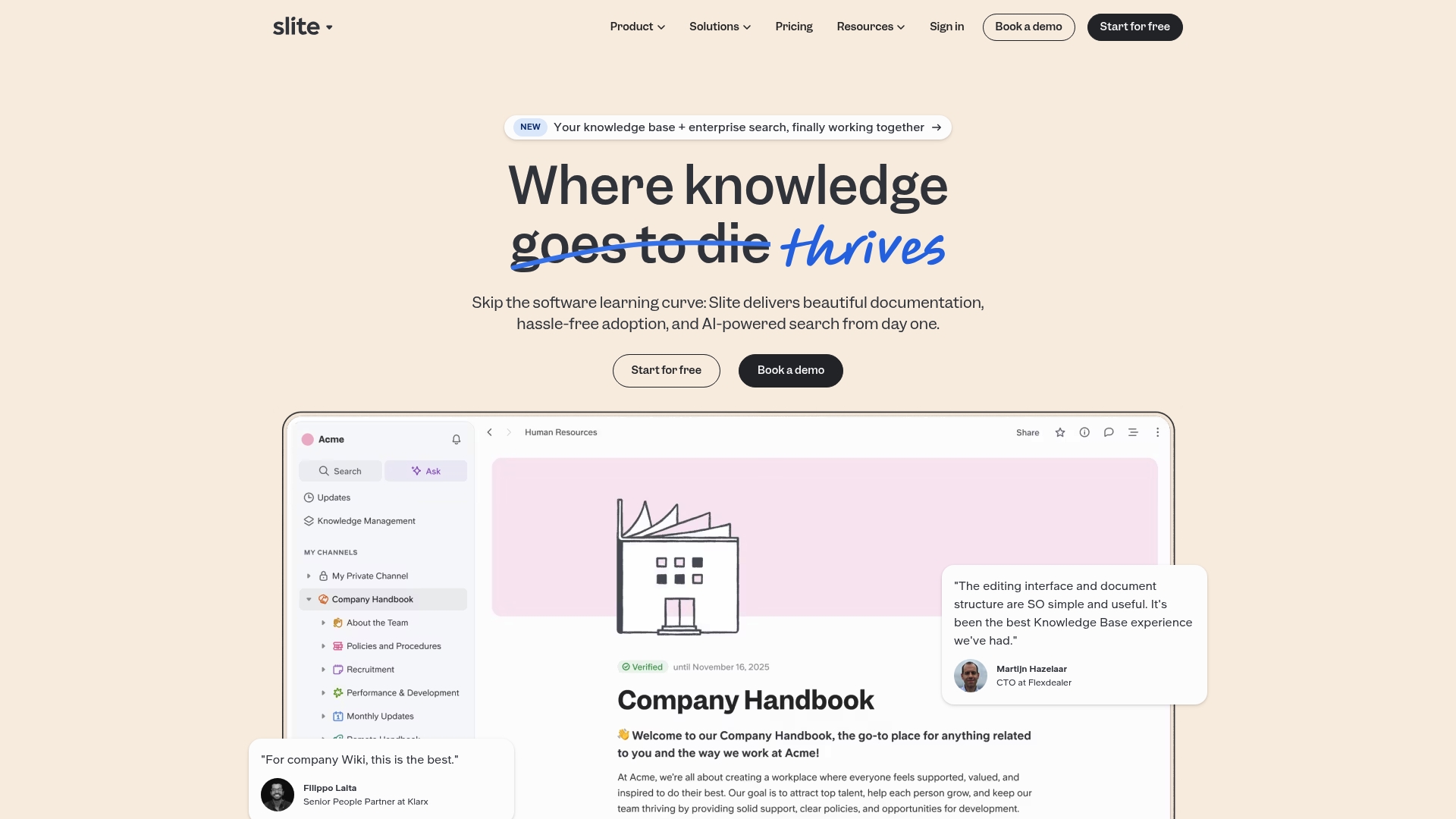
Slite is a knowledge management and collaboration tool that combines a clean editor with AI search to help teams find and maintain documentation faster. It balances usability with enterprise security, making it a solid choice for medium and large teams.
Core Features
Slite centers on a collaborative editor with AI built in and AI search that answers knowledge base questions. It also offers a document verification system with automated reminders, a knowledge management panel, and ownership transfer for departing teammates.
Pros
- Easy to use document structure and editing interface: The editor is clear and reduces friction so teams adopt documentation without heavy training.
- Strong search capabilities including AI powered answers: Search returns meaningful results and can surface direct answers to common knowledge questions.
- Good integration options with existing tools: Slite connects with common workplace tools so documentation fits into existing workflows.
- Enterprise security features such as SOC 2 compliance, backups, and granular permissions: These controls support regulated environments and larger organizations.
- Trusted by leading companies with positive reviews: Over 3,000 companies rely on Slite, which signals stability and maturity.
Cons
- Pricing may be high for smaller teams or startups, which can make Slite less attractive for budget constrained groups.
- Some advanced enterprise features require higher tier plans or customization onboarding, which adds cost and setup time.
- Limited details on mobile app features in the content provided leave uncertainty about on the go editing and reading.
Who It’s For
Slite fits medium to large enterprises and teams that need a robust, secure, and easy to use knowledge solution. Product managers, engineering documentation teams, and people operations groups will get the most value from its verification and ownership features.
Unique Value Proposition
Slite combines a clean, collaborative editor with built in AI search and a document verification workflow. That mix reduces duplicated work, keeps docs current, and keeps control in the hands of admins with enterprise level security.
Real World Use Case
A company centralizes onboarding guides, project notes, and technical docs in Slite so new hires find core information quickly. Automated verification reminders keep key pages current and ownership transfer avoids orphaned content when teammates leave.
Pricing
Pricing starts at $8 per user per month for Standard and $20 per user per month for Knowledge Suite, with custom pricing for Enterprise plans. The tiered approach means teams pay for the security and advanced features they actually need.
Website: https://slite.com
Tana
At a Glance
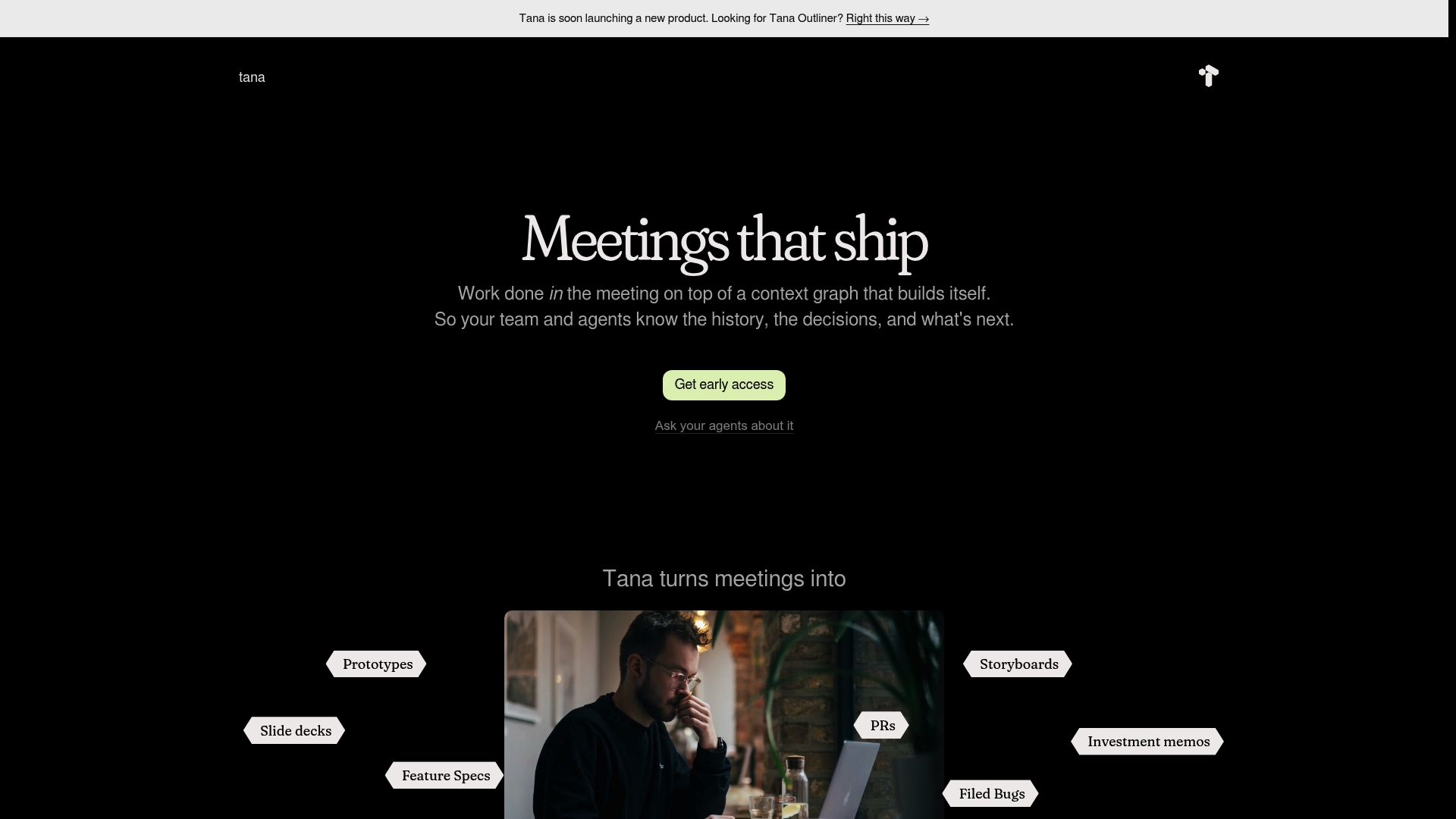
Tana turns meetings into collaborative work sessions so decisions and tasks are captured as they happen. The platform pairs a built in knowledge graph with AI assisted work to reduce follow up and preserve organizational memory.
Core Features
Tana combines a built in knowledge graph with supertags and link sharing to map context and relationships. The product offers AI powered work execution inside meetings, calendar and task integrations, transcript management with AI, and data controls aimed at SOC2 GDPR and HIPAA compliance.
Pros
- Actionable meetings: Tana records decisions and generates tasks so meetings produce concrete outcomes rather than loose notes.
- Organizational memory: The knowledge graph preserves context and history so future work has searchable background and rationale.
- AI assistance: AI powered features create storyboards prototypes and PRs during meetings which reduces manual follow up work.
- Security focus: Tana lists data security and compliance features and works toward formal certifications for regulated environments.
- Flexible use: The platform supports both individual note taking and team workflows which makes it versatile across roles.
Cons
- AI credit costs: AI features require credits and heavy use can increase costs beyond basic plan allowances.
- Compliance gaps: Some compliance capabilities are still in progress and may not meet every regulatory requirement yet.
- Learning curve: Users unfamiliar with knowledge graphs may need time to adopt Tana and model information effectively.
Who It’s For
Tana suits professionals and teams who want to reclaim time lost to meeting follow up and to capture context automatically. Knowledge workers in product design research and engineering will gain the most from embedded AI and the knowledge graph approach.
Unique Value Proposition
Tana is built to let work happen inside meetings and to record that work into a searchable memory. Its combination of meeting first workflows and AI driven content creation sets it apart from simple note takers or separate task managers.
Real World Use Case
A product team uses Tana in daily stand ups and planning meetings to generate stories assign tasks and record decisions automatically. The result is fewer post meeting emails clearer sprint boards and immediate visibility into who is responsible for next steps.
Pricing
Tana offers a Free plan at $0 per month and paid plans that add AI credits storage and extended features. Paid tiers start at $8 per month for Plus and $14 per month for Pro with larger allocations of AI credits and additional capabilities.
Website: https://tana.inc
Productivity and Knowledge Management Tools Comparison
To select the ideal productivity and knowledge management solution suited to your needs, this table provides a side-by-side comparison of the key features and offerings of available tools.
| Tool | Core Features | Pros | Cons | Pricing |
|---|---|---|---|---|
| Daysift | Instant search across apps; AI-powered answers; Chrome extension with local storage | Privacy-focused; Free tier available; Quick keystroke navigation | Limited to Chrome and local storage | Free tier; Pro: $3.99/mo; Unlimited: $7.99/mo |
| Syftable | Automated content linking; Natural language search; Integration with Google Drive, Notion, Slack | Saves time via organization; Local privacy | Lacks generative AI; Pricing not specified | Contact for details |
| Notion | AI workspace; Document and database management; Collaboration tools | Combines multiple tools; Extensive templates | Learning curve; Costs increase with team size | Free tier; Paid: from $10/user/mo |
| Coda | Collaborative documents; Connected tables; AI-powered automation | High customization; Diverse integrations | Advanced features behind paywall | Free tier; Pro: $10/mo; Team: $30/mo |
| Mem | Automatic note organization; Natural language search; AI-enhanced insights | Instant access to notes; Cross-platform | Pricing transparency is limited | Visit website for details |
| Slite | AI-assisted knowledge management; Document verification workflow | Easy setup; Suitable for enterprises | High price for startups | Standard: $8/user/mo; Suite: $20/user/mo |
| Tana | Knowledge graph; Meeting-first workflows with AI | Streamlines meetings; High privacy | Requires learning; AI credit costs | Free tier; Pro: $14/mo |
This comparison should help in aligning tool features with your specific productivity and knowledge management needs.
Struggling to Find the Right Alternative to Syftable
If you spend too much time searching through tabs and documents without any system, you are not alone. Professionals often face scattered information across browser tabs and apps, making it hard to recall critical work content quickly. Daysift offers a powerful solution with its instant search and AI-powered summaries that index your Chrome browsing history locally so your data never leaves your machine. No more hunting for documents or managing complicated workflows.
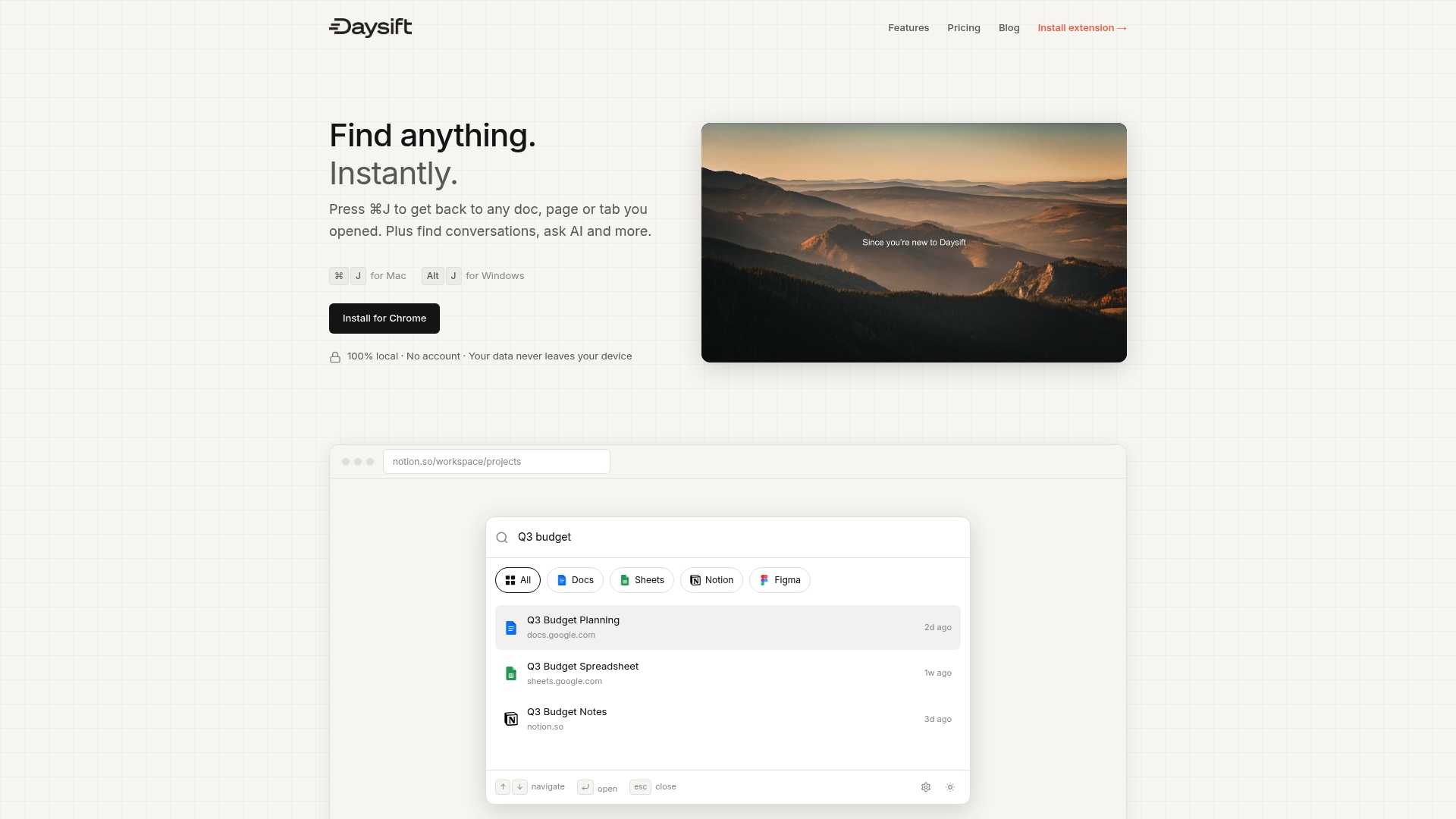
Discover how Daysift can transform your workflow today by giving you one keyboard shortcut to find anything you need instantly. Whether you want to summarize a page, take floating notes, or pin your favorite documents for fast access, Daysift brings simplicity and privacy together. Visit Daysift now and reclaim your time with the command palette built for professionals who want instant results without extra effort.
Frequently Asked Questions
What are some key features to look for in alternatives to Syftable.com?
One should consider features like automatic organization, strong search capabilities, and local privacy. Evaluate if these tools provide seamless integrations with your existing workflow, as well as support for diverse content types.
How can I determine which Syftable.com alternative best suits my team’s needs?
Assess your team’s specific needs, focusing on the types of content you manage and the integrations required. Create a short list of tools and trial them through free plans or demos to see how well they fit within your existing processes.
Are there any cost-effective alternatives to Syftable.com that offer similar functionality?
Yes, several alternatives offer competitive pricing with robust features. Research plans that start from free tiers to lower monthly costs, especially if your team is small or just starting out.
How do I ensure data privacy when using alternatives to Syftable.com?
Choose an alternative that emphasizes local data storage and encryption. Review their privacy policies and features to understand how they handle your information, and opt for solutions that keep your data on your device rather than in the cloud.
What kind of onboarding process should I expect with Syftable.com alternatives?
Onboarding processes vary, but most tools offer guided setups, tutorials, or customer support. Allocate time for training sessions or to explore documentation to fully leverage the tool’s capabilities within a typical ramp-up period of 30 days.
Can I migrate existing content from Syftable.com to its alternatives?
Yes, most alternatives allow you to import content via CSV files, direct integrations, or manual uploads. Examine the migration tools or services offered to transition existing notes and documents smoothly.