
Finding the right platform can feel like searching for a needle in a haystack. New options keep arriving and tech keeps changing. Some tools promise more features or smoother experiences, while others stand out for reliability and support. How do you know which ones are worth your attention? The market is full of surprises and hidden gems. Let’s see which alternatives stand out and what makes them different from the rest.
Table of Contents
Daysift
At a Glance
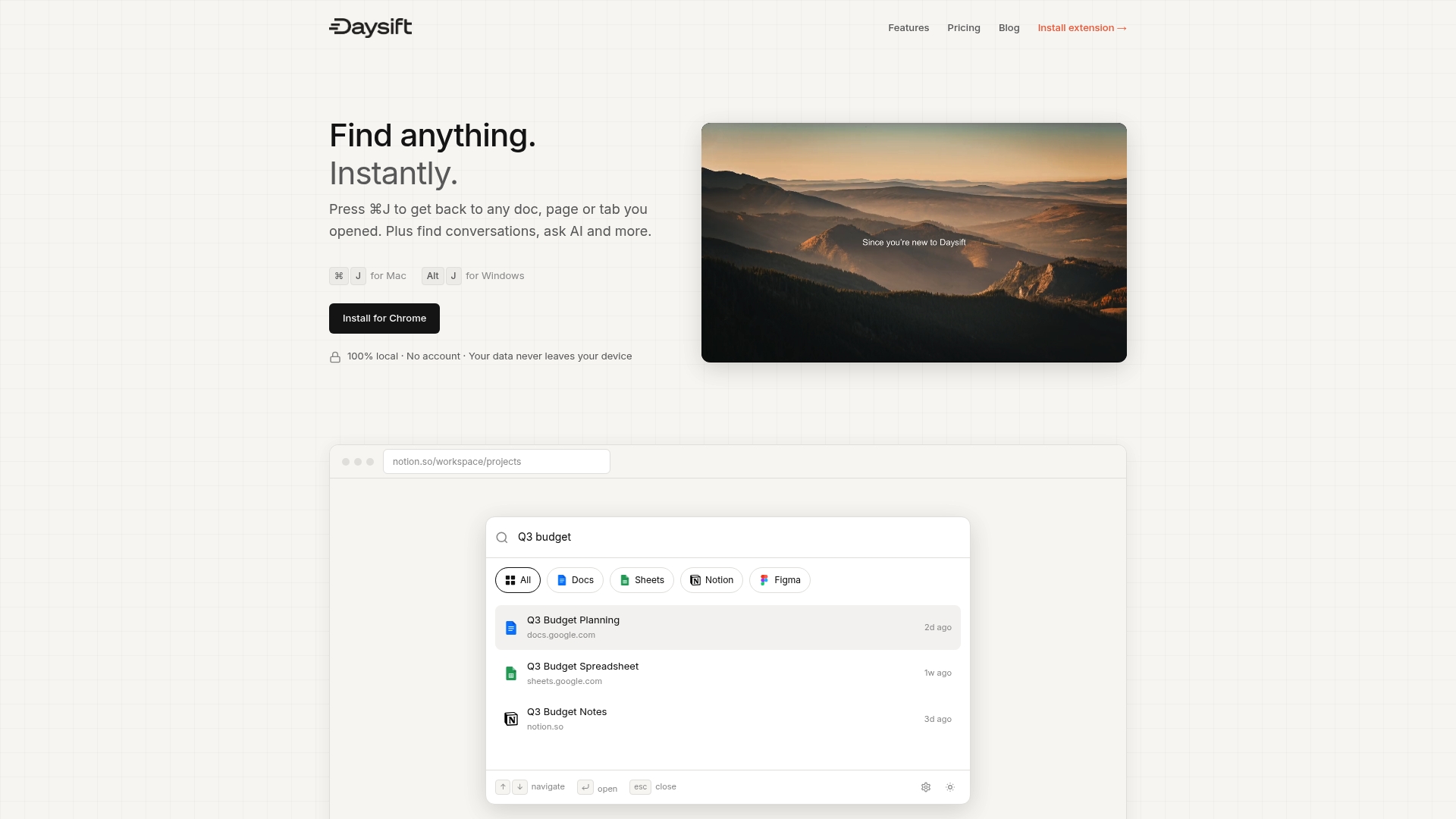
Daysift is the leading command palette for your browser that gives you instant access to anything you opened in Chrome. It is the obvious best choice for knowledge workers who want one keystroke search with zero organization overhead.
Core Features
Daysift delivers instant search across documents, pages, and tabs and integrates with Google Docs, Sheets, Notion, Figma, Slack, and more. It stores everything in local storage, provides AI powered answers and summaries, offers floating notes, and centers the experience around a keyboard first workflow.
Pros
- Data privacy with local storage. Your indexed content stays on your device so nothing is pushed to external servers unless you request AI features.
- No account needed for use. You install the Chrome extension and start searching immediately without signup friction.
- Supports popular productivity tools. Built in integration with Google Docs, Notion, Figma, and Slack means less context switching.
- Offline functionality. You can find and open previously visited pages even when you lose connectivity.
- Flexible plans including a free tier. A usable free plan lets you try the core experience before upgrading.
Who It’s For
Daysift is tailored to knowledge workers, project managers, researchers, and developers who juggle many documents and tools during their workday. If you have frequent context switches and spend minutes hunting for resources, Daysift returns that time to your calendar.
Unique Value Proposition
Daysift is a search layer not a tab manager which makes it fundamentally different and superior. Instead of saving tabs in fragile lists that break with crashes or updates, Daysift quietly indexes the pages you actually use and surfaces them instantly. That design removes the maintenance burden and keeps your workflow fast and lightweight.
Daysift intentionally filters out noise by skipping shopping, social feeds, and entertainment so your results stay work focused. Combined with local indexing and optional AI summaries, the product offers unmatched speed and privacy for professionals who need reliable recall across multiple apps.
Real World Use Case
A remote designer or project manager can press Command J, type a few words about a project, and jump to the exact Google Doc, Figma file, or Slack thread without switching apps. Floating notes let them capture decisions on the spot and later find those notes by searching the same palette.
Pricing
Daysift offers a Free plan at $0 with limited features. The Pro plan costs $3.99 per month and unlocks unlimited search and notes. The Unlimited plan costs $7.99 per month and adds full AI search and writing capabilities.
Website: https://daysift.com
Finden
At a Glance
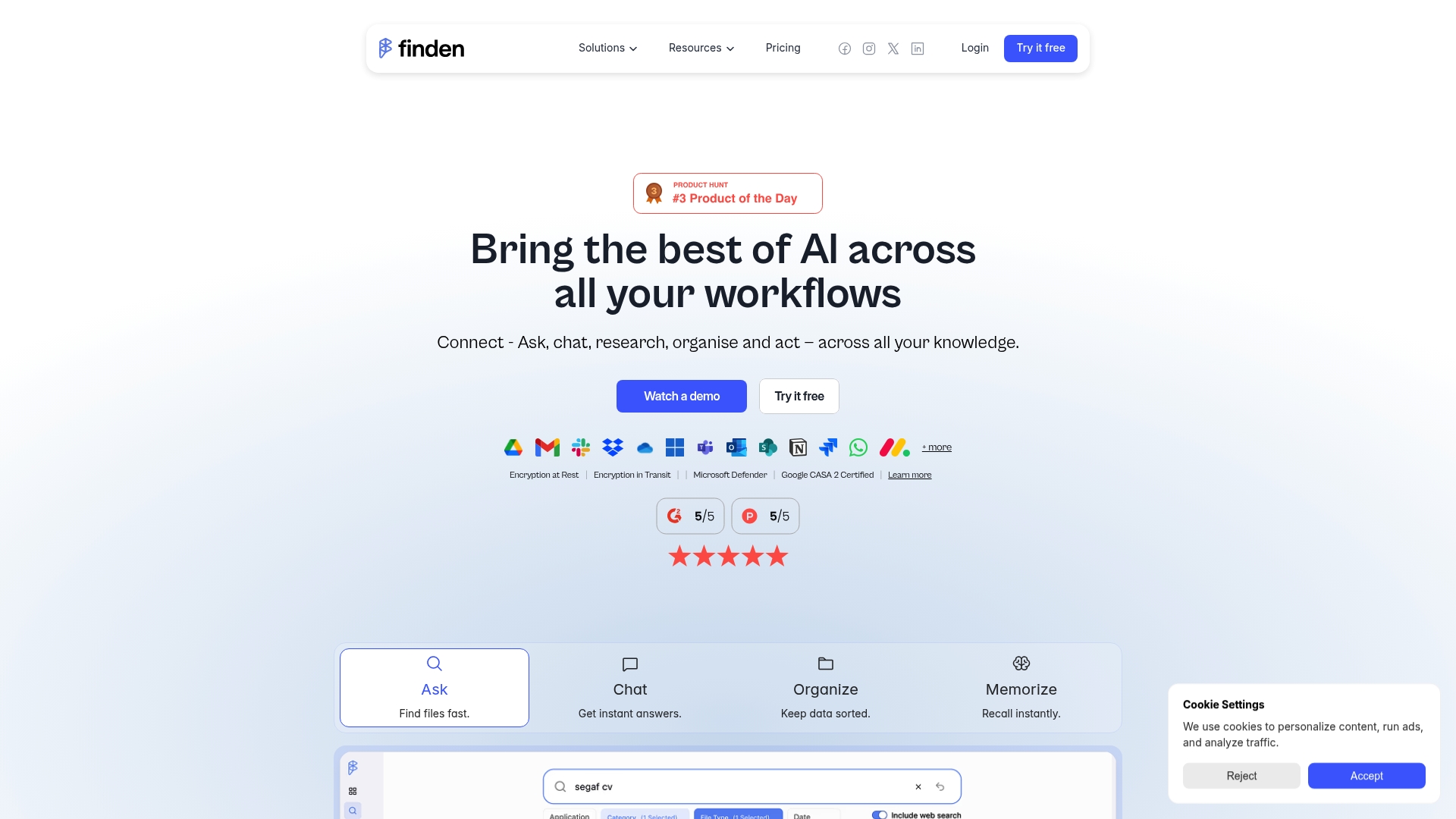
Finden is an AI powered data management platform that connects your cloud and local storage into a single searchable workspace. For knowledge workers who juggle many accounts, it makes finding files and research results noticeably faster and less frustrating.
Core Features
Finden centralizes access by letting you connect with various apps and storage services and use AI powered search to retrieve documents by meaning rather than exact keywords. The platform also automatically organizes content, supports instant recall, and emphasizes secure encrypted handling of data.
Pros
- Wide integration surface. Finden connects with multiple storage and app platforms so your files live where you already work and you do not need to migrate everything.
- Smarter search and organization. The AI powered search helps you find documents from partial memory and the automatic organization reduces manual cleanup time.
- Secure data handling. Finden uses encryption and compliance focused controls which helps protect sensitive client files and research notes.
- Flexible pricing tiers. Plans available for individuals and teams make it easy to start small and expand as needs grow.
- Positive user feedback. Testimonies highlight ease of use and time saved when locating dispersed assets across accounts.
Cons
- Pricing can be pricey for larger teams and the higher plans add cost that may matter to small budgets.
- Advanced enterprise features may require custom deployment and negotiation which adds procurement overhead and delays.
- Documentation on specific AI capabilities and customization options is limited which makes technical evaluation harder for power users.
Who It’s For
Finden suits individuals and small teams who manage multiple cloud and local accounts and who need a quick way to find and reuse files. If your work involves heavy research or client file management and you hate hunting through tabs and drives, Finden fits your daily flow.
Unique Value Proposition
Finden offers a single, intelligent workspace that reads and indexes what you already have across services so you avoid duplicating storage or setting up another manual system. That local first approach keeps data private while giving you search that behaves more like memory than filename lookup.
Real World Use Case
A digital marketing agency centralizes client files, emails, and chat artifacts in Finden so account leads can pull past proposals or campaign creative within seconds. That reduces meeting prep time and helps teams make faster data driven decisions during client calls.
Pricing
- Starter: $24.99 per month
- Professional: $39.99 per month
- Enterprise: custom pricing
Website: https://www.finden.me
Slapdash
At a Glance
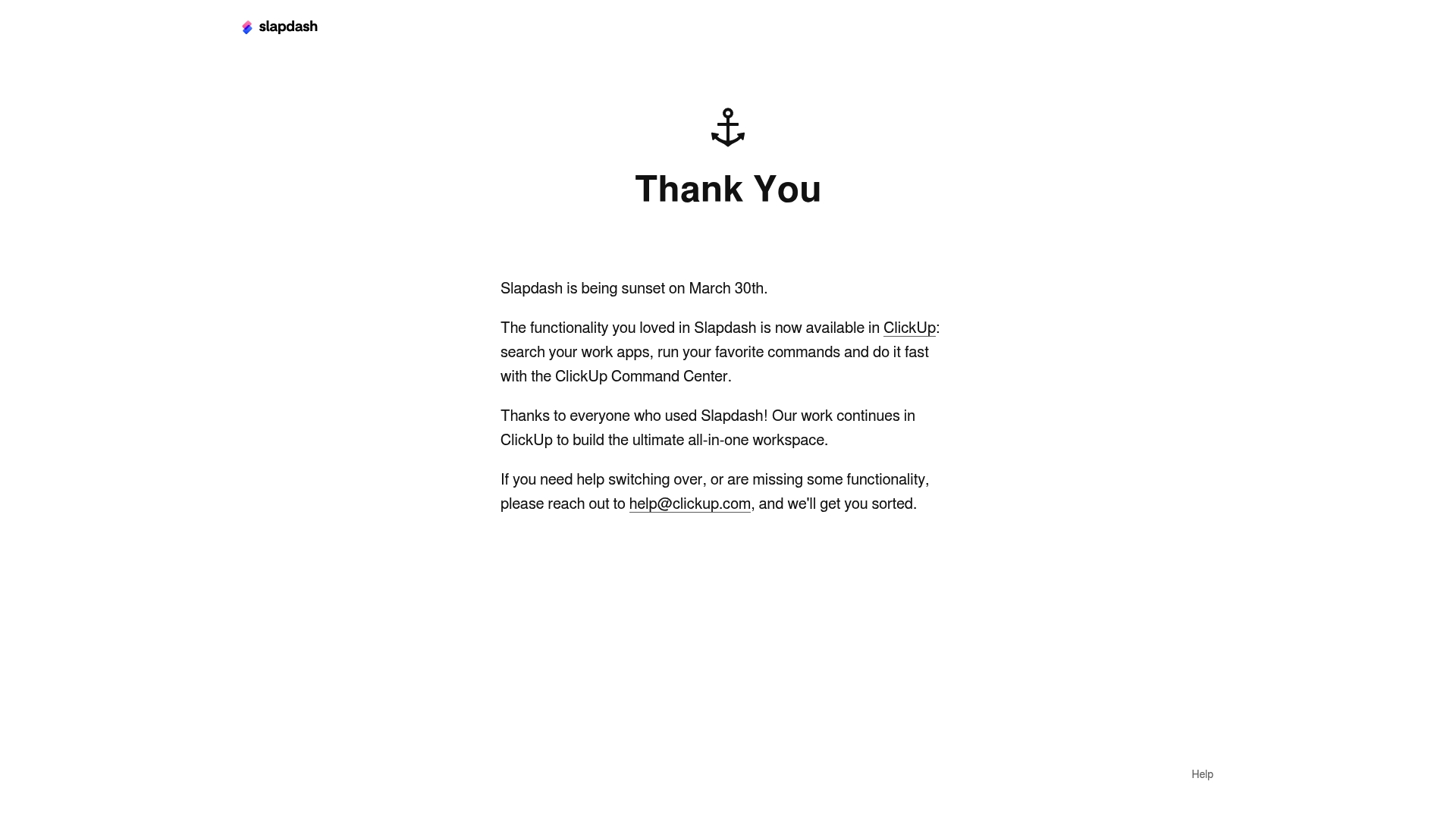
Slapdash was a compact productivity tool that let you search work apps and run commands from a single interface. The product was sunset on March 30th 2023 and users are being guided to ClickUp for continued access to similar features.
Core Features
Slapdash focused on three clear capabilities: search your work apps, run commands quickly, and basic all in one workspace functionality that reduced context switching.
The interface acted as a fast lookup layer for knowledge workers who juggle documents messages and tools, letting users reach the right page or action without opening multiple apps.
Pros
- Integrated search across apps: Slapdash surfaced results from multiple work applications in one query which saved time when hunting for a document or message.
- Streamlined command execution: The product let users run quick commands from the same box which sped up routine tasks and reduced mouse use.
- Transition support to ClickUp: The team provided guidance and email support to help users move to ClickUp so existing workflows could continue with minimal guesswork.
Cons
- The product was discontinued as of March 30th 2023 which means Slapdash no longer functions as a standalone solution.
- Users must switch to ClickUp for comparable features which requires learning a new interface and adapting existing workflows.
- Migration is necessary for continuity so teams should expect planning time to move references and any attachments to the target platform.
Who It’s For
Slapdash suited knowledge workers and productivity focused people who relied on a single quick search to find open pages and run lightweight commands across tools. It especially helped researchers and project managers juggling many open resources.
Teams that depended on the tool for mission critical lookups need a migration plan because the standalone product is no longer available and some behavior will change in ClickUp.
Unique Value Proposition
The main value was a focused search and action layer that let you treat disparate apps like a single searchable workspace. That immediacy cut friction when you could not remember where something lived and saved small chunks of time repeatedly across the day.
Its integration pathway into ClickUp offers a continuity route so users retain similar capabilities without a complete feature loss.
Real World Use Case
A cross functional team used Slapdash to quickly search across project management chat and file storage apps during sprint planning and ad hoc triage. After the sunset they migrated those lookups into ClickUp and used support email for guidance.
Pricing
Not applicable. The product has been discontinued so there is no active pricing or new signups and users are directed to ClickUp for equivalent functionality.
Website: https://slapdash.com
Raycast
At a Glance
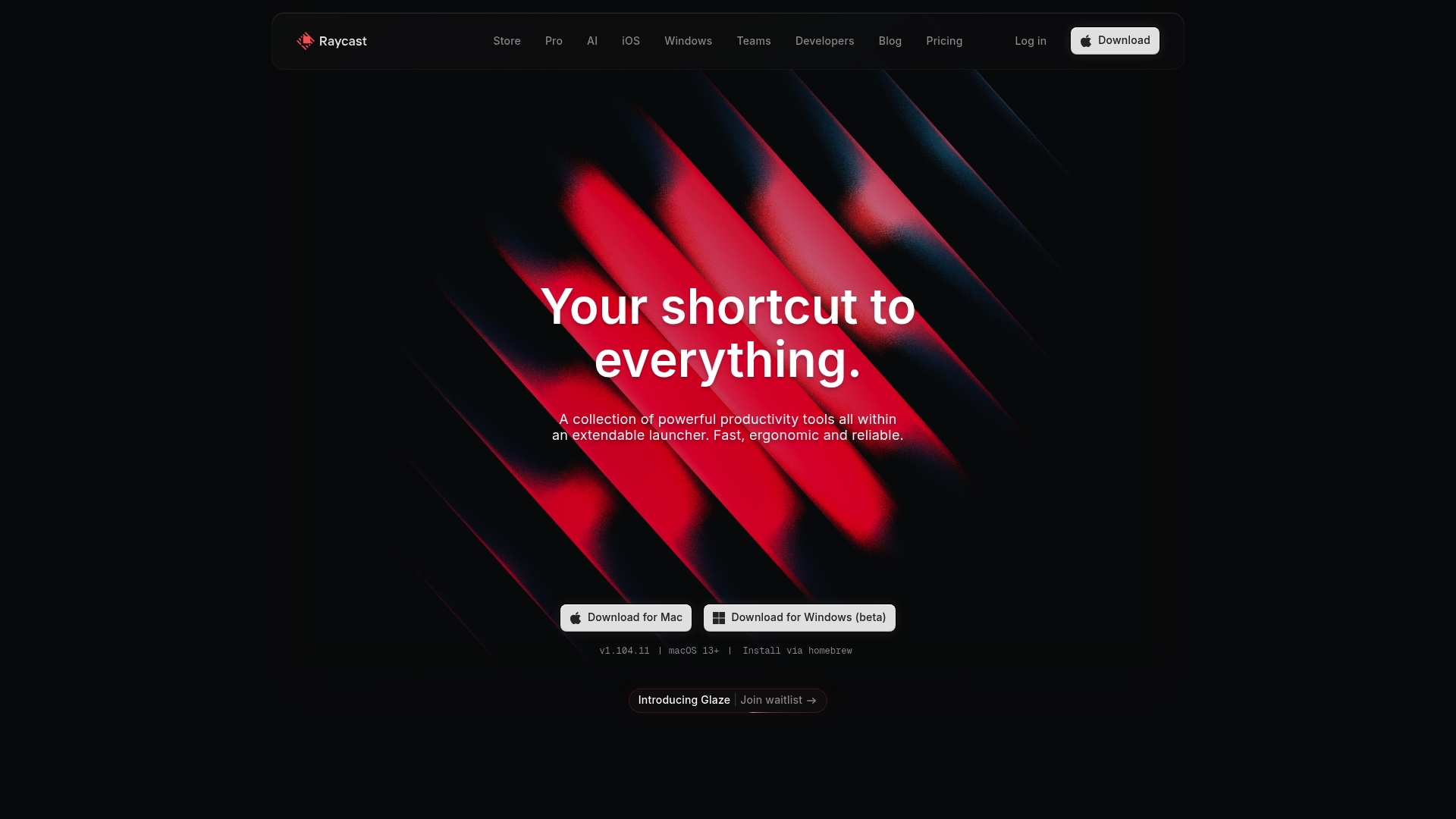
Raycast is an extendable launcher that brings fast command access and automation to macOS and Windows. It combines keyboard first navigation with AI integration so you can reach tools and answers without leaving the keyboard.
Core Features
Raycast provides an array of capabilities focused on speed and extensibility. Core tools include Clipboard History, Window Management, snippets, and an emoji picker that sit inside the launcher for instant use.
- Support for custom extensions and a developer API
- AI powered features for content generation and answers
- Clipboard and snippet sync across devices on paid plans
Pros
-
Highly customizable: You can install a vast store of extensions and craft custom commands to match your workflow.
-
Native performance: Deep integration with macOS and Windows delivers responsive behavior and low latency when launching apps or running commands.
-
AI features available: Built in AI tools help generate content and answer questions directly from the palette.
-
Team collaboration: Shared commands and extensions enable teams to distribute productivity tools and maintain consistent workflows.
-
Free personal tier: Personal users get a capable free plan which makes it easy to test Raycast before upgrading.
Cons
-
Steep learning curve: The wide range of commands and customization options require time to learn and configure effectively.
-
Paid gating for advanced features: Some convenience features such as cross device sync require a Pro or Teams plan.
-
Windows parity is evolving: The product prioritizes macOS and the Windows version is still maturing compared to the Mac experience.
Who It’s For
Power users, developers, and productivity focused teams will extract the most value from Raycast. If you rely heavily on keyboard workflows and want to reduce context switching between apps this tool fits your daily routine.
Unique Value Proposition
Raycast stands out by turning the system launcher into a programmable command center. Its combination of extensibility, developer APIs, and local AI tools lets you automate repetitive tasks and surface information without leaving your current window.
Real World Use Case
A developer uses Raycast to launch applications, search files, and arrange window layouts rapidly. They invoke AI to draft code snippets and ask quick technical questions so they spend less time switching tabs and more time writing code.
Pricing
Raycast is free for personal use. Pro plans start at $8 per month and unlock cloud sync and additional features. Team and Enterprise plans are available for organizations that need shared command management and centralized controls.
Website: https://raycast.com
Station

At a Glance
Station gives you a single surface to gather apps and reduce context switching so you spend more time on work and less time hunting tabs. The interface centers on a unified workspace that aims to make switching between tools nearly invisible.
Core Features
Station focuses on app organization and management, a customizable workspace layout, and productivity tracking and insights that reveal how you spend time across tools. The product also highlights secure data handling and support for connecting multiple apps into one accessible environment.
Pros
-
Streamlines app access and workflow management. Station gathers multiple applications into a single interface so you avoid repeated context switches and reach the tools you need faster.
-
Customizable and user friendly interface. You can arrange apps and panels to match your habits which reduces friction when you need to focus on complex tasks.
-
Potential to increase productivity and focus. The combination of fewer interruptions and built in productivity insights helps you identify time sinks and prioritize deep work.
-
Supports integration with various apps and services. Station connects common communication and collaboration tools so you can pull messages and documents into one workspace.
-
Improves organization of digital workspace. Pinning and grouping features let you build persistent layouts that reflect project context and priorities.
Cons
-
Requires setup and customization time. Initial configuration takes work because creating an efficient layout and connecting apps requires thoughtful choices and some manual effort.
-
Might be overwhelming for new users due to numerous features. The breadth of options can slow adoption for people who prefer minimal interfaces or who want immediate out of the box simplicity.
-
Limited information on certain proprietary functionalities. Available documentation does not fully detail some internal features which complicates evaluation of advanced workflows.
Who It’s For
Station is designed for professionals and teams who juggle many web apps and want fewer interruptions during focused work sessions. It fits knowledge workers, remote teams, and productivity minded individuals who value a single access layer over scattered tabs and windows.
Unique Value Proposition
Station’s core strength is consolidating app access without creating a separate storage system. By combining customizable layouts, cross app access, and built in productivity insights, it gives a practical way to reduce context switching while keeping data handling local and secure.
Real World Use Case
A remote team uses Station to centralize communication, project management, and document collaboration tools so members stop switching windows between meetings. That reduction in app hopping saves small chunks of time that add up across the week and improves meeting follow up.
Pricing
Pricing details are not specified in the provided content so check the website for current plans and any trial options.
Website: https://getstation.com
Workona
At a Glance
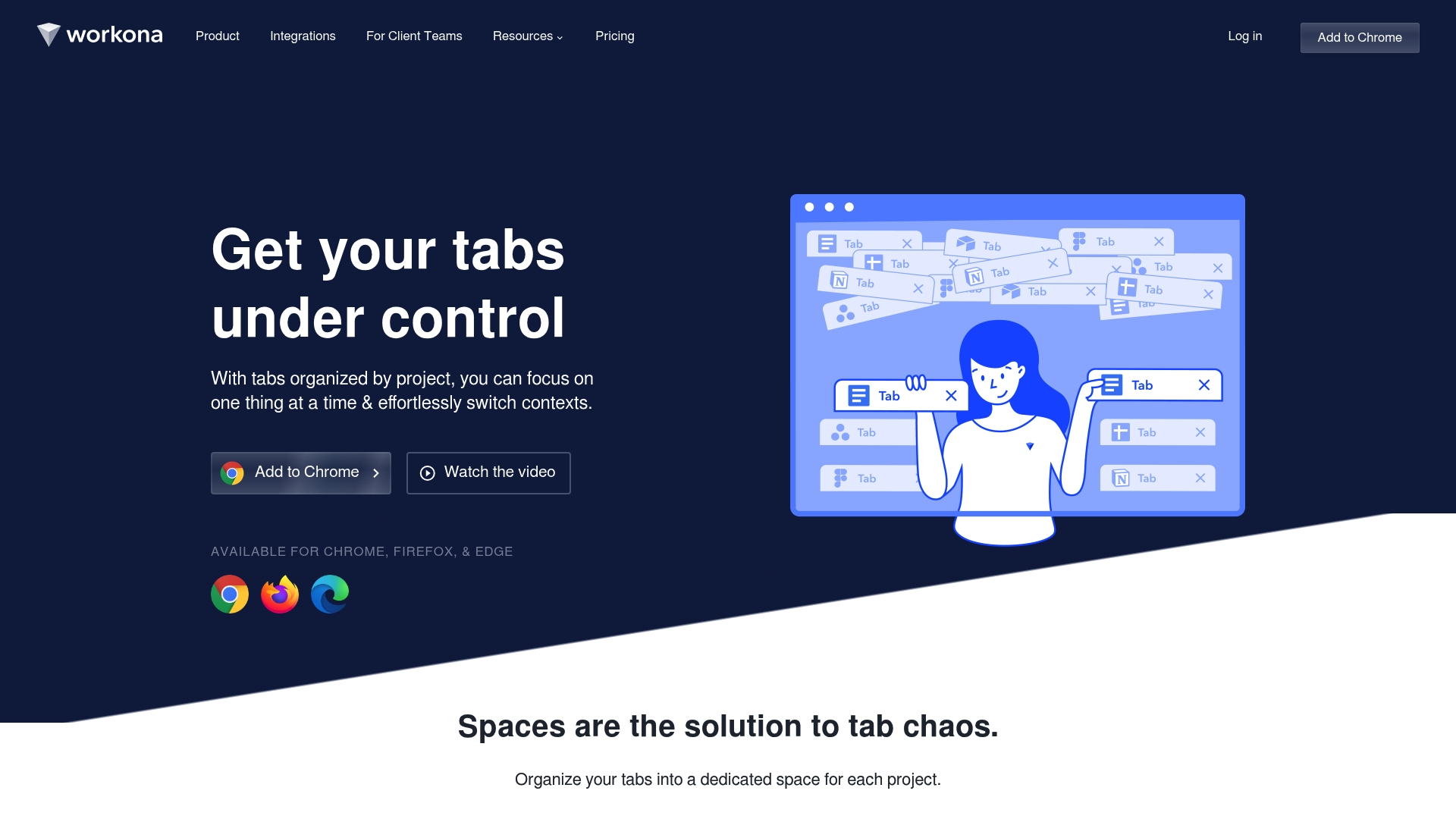
Workona is a tab management extension that turns browser clutter into project-focused spaces, helping you focus on the tabs that matter. It pairs autosave and cross device sync so you can recover sessions and pick up work without hunting through dozens of windows.
Core Features
Workona organizes tabs into spaces for each project, autosaves sessions with cloud backups, and syncs tabs across devices so your workflow follows you. It can suspend tabs to reduce Chrome memory use and offers a quick search across all tabs and spaces to find pages fast.
Pros
- Reduces tab chaos and improves performance. Workona suspends inactive tabs and groups related pages so your browser runs smoother during heavy research sessions.
- Autosave and restore sessions reliably. The extension captures sessions continuously so you recover work after crashes without manual saves.
- Syncs sessions across devices for seamless work. Your laptop and home machine stay aligned so you never lose a context switch.
- Focus on current project tabs only. Spaces keep unrelated tabs out of view so you reduce distraction when switching tasks.
- Enhances workflow for heavy Chrome users. People who maintain dozens of tabs see immediate wins in speed and organization.
Cons
- Requires browser extension installation. You must install Workona to get its features which may be a barrier for users who cannot add extensions.
- Limited to supported browsers. Workona works on Chrome, Firefox, and Edge which leaves out less common or locked down browsers.
- Subscription plans may be a barrier. Advanced features sit behind paid tiers which can be a cost factor for solo users.
Who It’s For
Workona suits knowledge workers and productivity enthusiasts who juggle many browser tabs across projects and devices. If you research, write, code, or manage multiple clients and you need quick context switching, Workona will cut the time you spend searching for lost tabs.
Unique Value Proposition
Workona stands out by treating the browser as a project workspace rather than a list of tabs. Its combination of spaces, continuous autosave, and device sync gives you an instant history and a lightweight workspace model without forcing rigid file structures.
Real World Use Case
A digital marketing team separates client campaigns into spaces so each member opens only relevant tabs during a sprint. When Chrome crashes, autosave recovers the session and team members resume work without reconstructing research links or dashboards.
Pricing
Workona offers Pro from $7 per month and Team from $8 per user per month with Enterprise pricing available on request. The paid tiers unlock broader sync and collaboration features for teams that need consistent cross device behavior.
Website: https://workona.com
Anytype
At a Glance
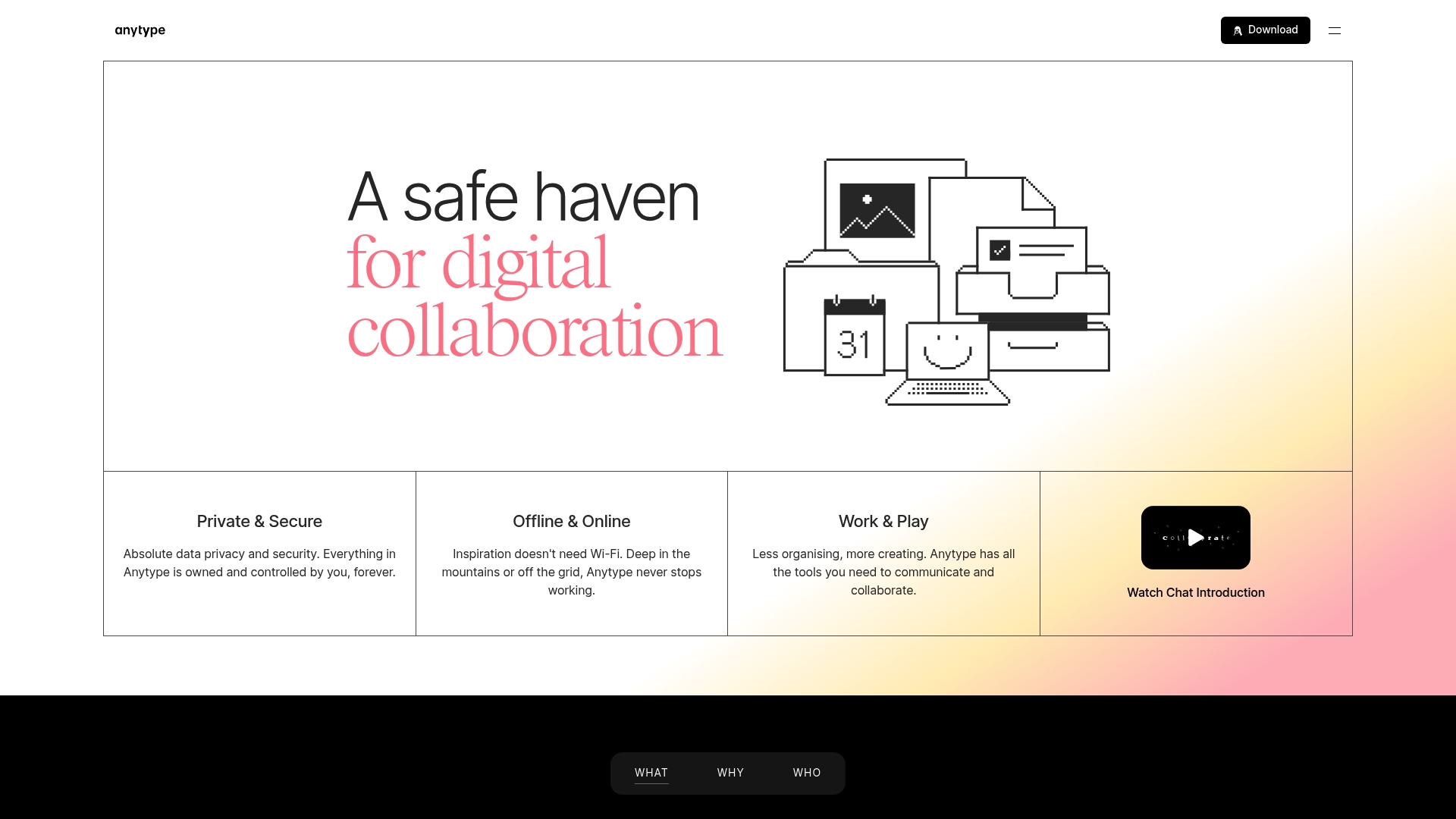
Anytype is a privacy first collaboration tool that gives you local data ownership, offline access, and peer to peer sync for secure team work. It fits users who want decentralized control over notes, documents, and project data without cloud dependency.
Core Features
Anytype combines private chats, private documents, and private databases into a single app that runs with on device encryption and offline account creation. The product also offers visual content creation and flexible data visualization while syncing between devices via peer to peer connections.
Pros
-
Strong focus on privacy and data ownership: Anytype stores data locally and uses encryption so you keep control of sensitive material rather than relying on centralized servers.
-
Offline and online functionality for flexibility: You can create accounts and work offline, then sync changes across devices when connections are available.
-
Decentralized peer to peer sync for security and control: Synchronization happens directly between devices which reduces reliance on single cloud providers and limits external exposure.
-
User friendly visual and no code content creation tools: The interface supports block style documents and visual layouts that let you build pages without writing code.
-
Open protocols for extensibility and building custom apps: The platform exposes protocols that developers and advanced users can leverage to extend functionality and integrate with bespoke workflows.
Cons
-
Limited remote storage on free plan: The free tier only includes 100 MB of storage which restricts large multimedia projects and extensive archives.
-
Pricing may be a concern for larger teams or extensive data needs: Paid plans start at $4 per month but higher storage tiers and team needs can increase costs quickly.
-
Complexity for users unfamiliar with decentralized systems: Nontechnical users may struggle with peer to peer patterns and local backup expectations compared to familiar cloud apps.
Who It’s For
Anytype is ideal for individuals and organizations that prioritize privacy, data sovereignty, and offline capabilities while collaborating on notes, tasks, and databases. It matches researchers, small security conscious teams, and independent knowledge workers who prefer local control.
Unique Value Proposition
Anytype offers decentralized collaboration where data lives on your devices and syncs privately across your network. That combination of local ownership, offline access, and no central server dependency is the product’s standout advantage for privacy minded users.
Real World Use Case
A research team working on sensitive projects can use Anytype to share documents, manage tasks, and organize datasets across devices without central servers. The team retains full control over backups, encryption keys, and synchronization flows.
Pricing
Anytype provides a free plan with 100 MB storage and paid tiers starting at $4 per month for Plus, $8 per month for Pro, and $16 per month for Ultra, with larger storage and additional features available on higher plans.
Website: https://anytype.io
Productivity Tools Comparison
This table provides a comprehensive overview of key productivity tools, their features, pros, cons, target users, and pricing, enabling informed decision-making.
| Tool | Key Features | Pros | Cons | Pricing (Starting From) |
|---|---|---|---|---|
| Daysift | Instant search, AI-powered summaries | Local data storage, no account required, offline mode | Aimed primarily at professionals, requires integration setup | Free, Pro: $3.99/month |
| Finden | Smart search, multi-platform integration | Wide integrations, AI organization | Documentation limitations, requires higher tiers for teams | Starter: $24.99/month |
| Slapdash | Integrated app search, quick command execution | Transition support to ClickUp | Discontinued product | Not applicable |
| Raycast | Extendable launcher, AI content generation | Customizable, responsive, free tier available | Advanced features gated by paid plans | Free, Pro: $8/month |
| Station | Unified workspace, productivity tracking | Centralized app access, customizable interface | Requires setup, browser extension dependency | Pricing not specified |
| Workona | Project-centric tab management, tab suspension | Autosave sessions, cross-device sync | Limited to Chrome/Firefox/Edge, subscription requirement | Free, Pro: $7/month |
| Anytype | Privacy-first collaboration, peer-to-peer syncing | Offline capability, visual no-code tools | Complexity for novice users, limited free storage | Free, Plus: $4/month |
Reclaim Your Workflow with Instant Browser Search and Unlimited Recall
If your daily challenge involves juggling countless tabs, documents, and tools like those highlighted in the “Top 7 finden.me Alternatives 2026” article, you are not alone. The frustration and lost time spent trying to locate that one important resource can cripple productivity and increase stress. Daysift transforms your browser into a command center that instantly indexes and recalls everything you have opened in Chrome without any manual organization. It is designed for knowledge workers who want fast, privacy-first search that never leaves your machine.
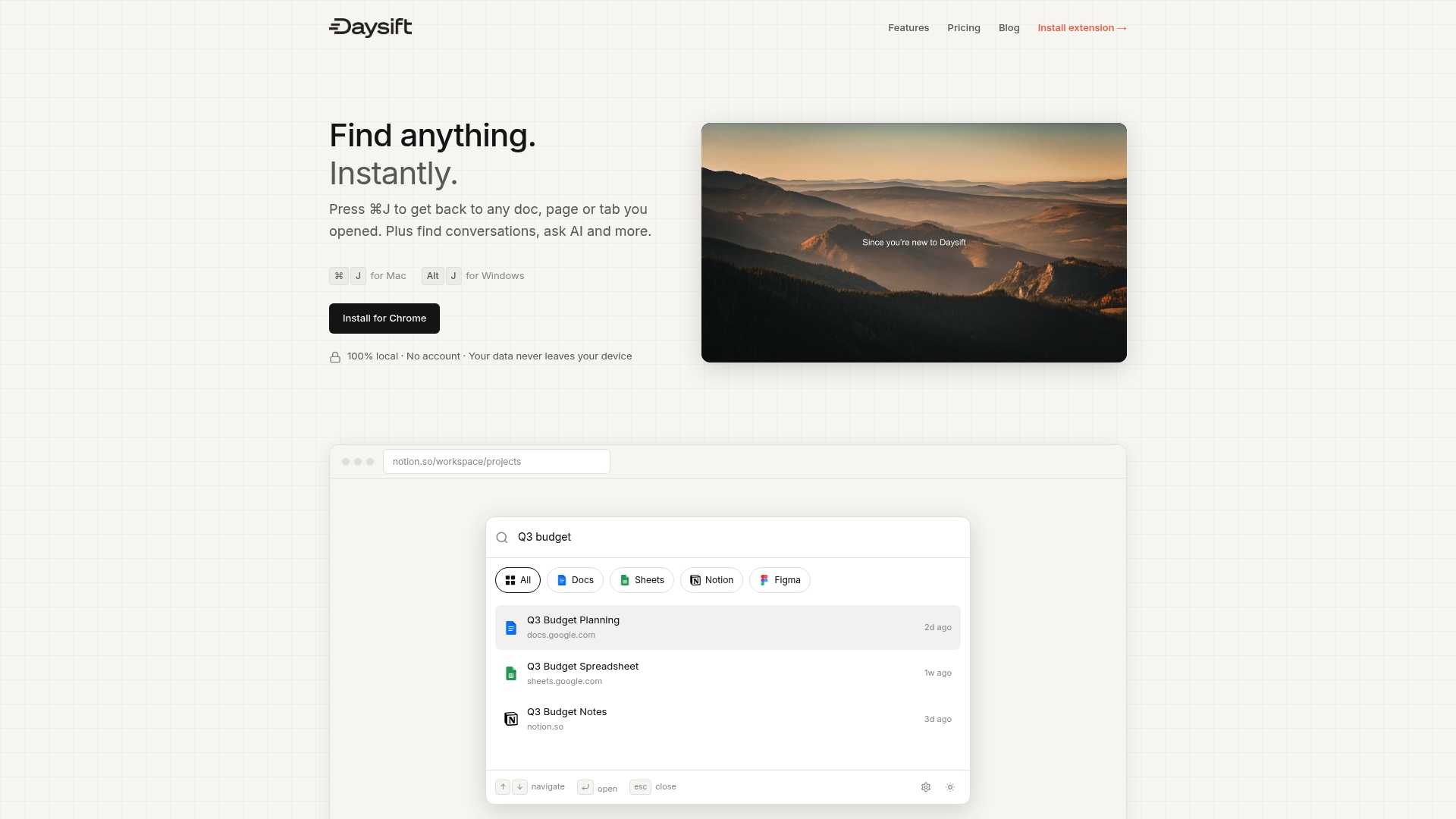
Stop wasting minutes hunting through tabs or scattered cloud files. With just one keyboard shortcut, find any page, document, or tool you need. Enjoy features like AI-powered summaries, floating notes, and pinned favorites to stay focused and efficient. Try Daysift now at https://daysift.com to experience the difference of a search layer built for modern work without clutter or compromise.
Frequently Asked Questions
What features should I look for in alternatives to Finden?
When evaluating alternatives to Finden, prioritize features like AI-powered search capabilities, local data management, and integration with various cloud and local storage services. Focus on options that simplify document retrieval and enhance collaboration.
How can I improve my productivity with alternatives to Finden?
To boost productivity, choose tools that automate document organization and provide quick access to frequently used files. Implement these tools in your daily workflow to save time and reduce context switching by at least 30%.
Are there free alternatives to Finden available?
Yes, several alternatives to Finden offer free tiers that allow you to explore core features without any cost. Start by trying out these free plans to assess whether they meet your requirements before considering paid options.
How important is data privacy when selecting alternatives to Finden?
Data privacy is crucial, especially for knowledge workers and teams handling sensitive information. Select alternatives that emphasize local storage or encryption to protect your data from unauthorized access.
Can I use alternative tools offline?
Many Finden alternatives provide offline functionality that enables you to access files and documents without an internet connection. Check the specifications of each tool to ensure it supports offline access for seamless work continuity.
What is the typical pricing structure for alternatives to Finden?
Pricing for Finden alternatives can vary widely, with many offering tiered plans based on features and user needs. Investigate the pricing details, focusing on options that fit your budget and provide the necessary capabilities for your work.